
Gourmet hamper
€49.90
Try it yourself
Shop, add the video option, record a real message. Then see what the recipient gets.

Your five screens
Revealed with the gift
Use the arrow keys to move between steps, or the buttons under each one.
Six fictional products. Choose one to carry on.
€49.90
€34.90
€59.90
€29.90
€79.90
€39.90
One item, and the option that turns it into a message.
Who receives it?
These details are sent with the container, so that Livstick can reach the recipient on delivery day.
Nothing here is real: no card is charged, no parcel is picked, no address exists.
Alex Whitfield 18 Marlborough Row Bristol BS1 4TT United Kingdom
Visa ending 4242 Secure checkout — demo mode, no charge
Printed card in the parcel sam@example.com
This copy of the site has no Livstick API credentials, so no recording slot can be created. The rest of the checkout still plays out to the end.
The gift is on its way. Now record the part no packaging can carry.
Order reference —
This order carries no message
You left the option out, so nothing was created on Livstick and no call was made. This is what the option costs when nobody takes it: nothing at all.
Message recorded
It is stored against this order and waits for the moment you chose.
The recorder is not available here
This copy of the site runs without Livstick API credentials, so no recording slot could be created. Everything else in the demo still works.
This copy of the site runs without Livstick API credentials, so no recording slot could be created. Everything else in the demo still works.
A lot of demos have been started from this connection in the last few minutes. Wait a moment and start over — the limit is there because each recording slot is real.
The Livstick API did not answer. This is a live call to a real service, so it can fail like any other; the rest of the demo is unaffected.
The Livstick API answered with something this page could not use. Nothing was lost — carry on, or start the demo again.
Preparing the recorder…
Preparing the recorder…
The same recording, discovered in the way you chose during checkout.
A parcel, and nothing more
Without the option, the recipient opens the gift and that is the end of it. The whole point of the option is the thirty seconds you are looking at on the other two routes.
Sent the day the parcel arrives
Someone recorded this for you
Alex added a short video to the gift that has just arrived. Take a minute — it was recorded for you alone.
Personal video message
Watch the messageSlipped into the parcel
Maple & Stone
Video message Scan to watch
Message ready
The card travels inside the box. The recipient scans the code with a phone camera — no app, no account, no waiting.
Any phone camera reads it — the message opens in the browser.
Open the message
That is the whole journey
One call at checkout, a widget on the confirmation page, and a message that arrives with the gift. Everything else is your own checkout, untouched.
Same journey. Your brand on every screen.
Example brands, for illustration.
The shop above is a mock-up. This column is not: it names the call your own server makes at each step, with the payload it sends and the answer it gets back.
Product gallery Frontend
Nothing leaves the page. The customer is browsing your catalogue, and Livstick has no part in it yet.
Cart and options Frontend
The video option and the delivery choice are still yours alone. They decide what your backend will send in a moment — an email address for a delivery-day email, nothing but the order for a printed card.
The details typed here really travel in the call below: your back end sends exactly what the customer entered, never someone else’s.
Order confirmed Next step
As soon as the order is placed, your backend creates a container: the recording slot that will hold the video message. This is the only call the whole journey needs.
POST /api/v3/containers
Authorization: Bearer liv_live_…        // server side only

{
  "crid": "DEMO-1754051040000-9f3ac1d2",
  "language": "en",
  "sender":    { "firstName": "Alex", "email": "alex@maplestone.example" },
  "recipient": { "firstName": "Sam",  "email": "sam@example.com" },
  "additionalData": { "source": "livstick-websites-demo", "amount": 49.9 }
}
In your own integration the crid is your order reference. This demo mints its own so that a public page can never collide with a real order.
Video recording Active
The container exists and is open for recording. The page loads the widget with the container's public identifier — the API key never reaches the browser.
201 Created
{
  "crid":  "DEMO-1754051040000-9f3ac1d2",
  "urid":  "abc123xyz9",
  "state": "recording_open",          // the slot is open
  "editKey": "550e8400-e29b-41d4-a716-446655440000",
  "links": {
    "recordingUrl": "https://rec.livstick.com/abc123xyz9",
    "previewUrl":   "https://rec.livstick.com/p/abc123xyz9"
  }
}<script type="module"
src="/widget/assets/widget.latest.js"
data-uid="abc123xyz9" // urid, never the editKey
data-lang="en"></script>
document.addEventListener('livstickRecorded', …)Only the urid is published in the page. The editKey stays on your server: it is what lets you change the container later.
Printed QR card Completed
A QR image is generated for the card slipped into the parcel. Your fulfilment prints it; the recipient scans it and the message plays.
200 OK
content-type: image/png            // ready to print

…binary…
The second call returns a print-ready PDF card instead of a bare image, when your printer wants a full artwork.
Email on delivery Automatic
Livstick sends the message to the recipient when the parcel is marked as delivered. Your backend has nothing left to do — which is the point of having sent the recipient with the container.
POST /api/v3/containers/DEMO-…/notify
(no body)                          // send it now

→ { "result": "ok" }
Call notify only when you want to trigger the delivery yourself — the day the carrier confirms the drop-off, for instance.
No video message Frontend
The option was left out, so no container was ever created and Livstick was never called. The order goes through exactly as it did before you added the option.
An option nobody takes must cost nothing — not a call, not a container, not a line in your logs.
Three checkout screens, then the part no packaging can carry.
Six fictional products. Choose one.
Mock-up screenMock-upThen choose: QR card in the parcel, or email on delivery day.
Mock-up screenMock-upNo card is charged. No parcel leaves.
Mock-up screenMock-up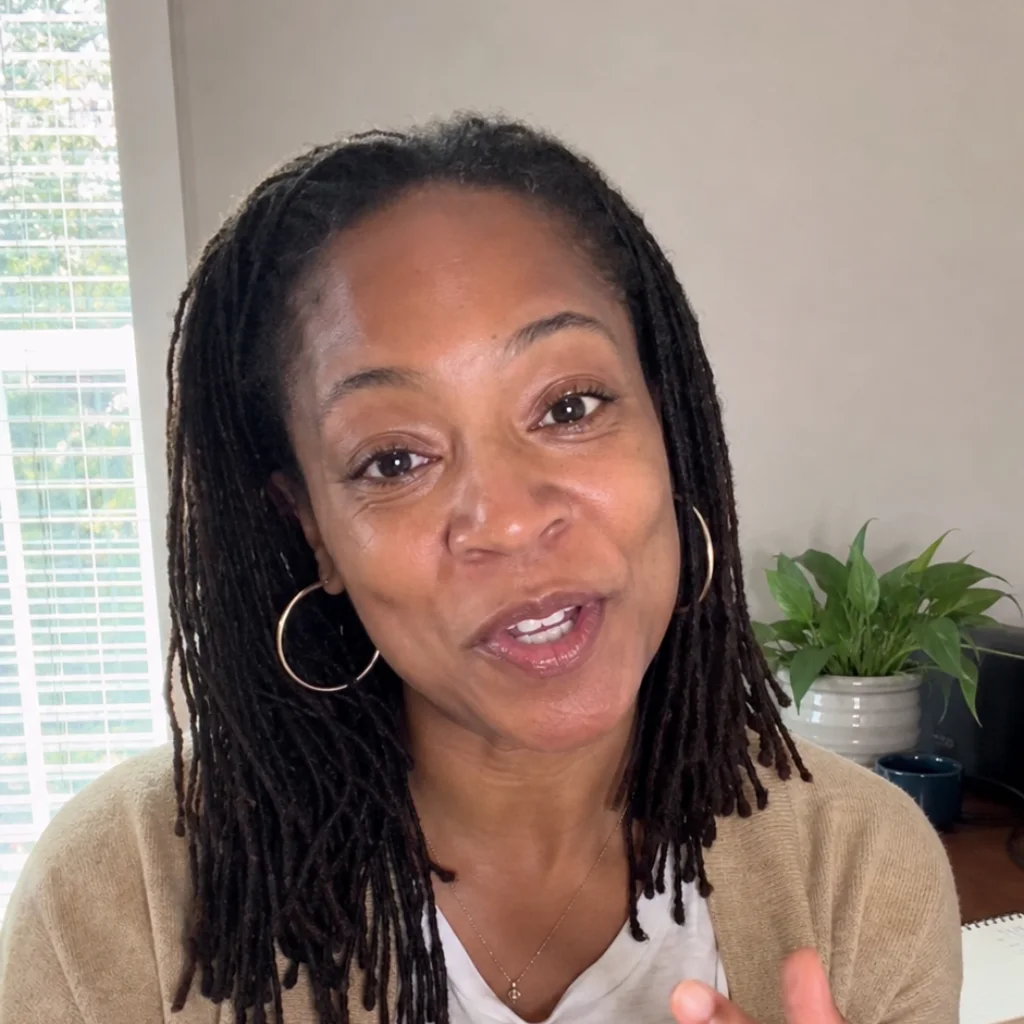
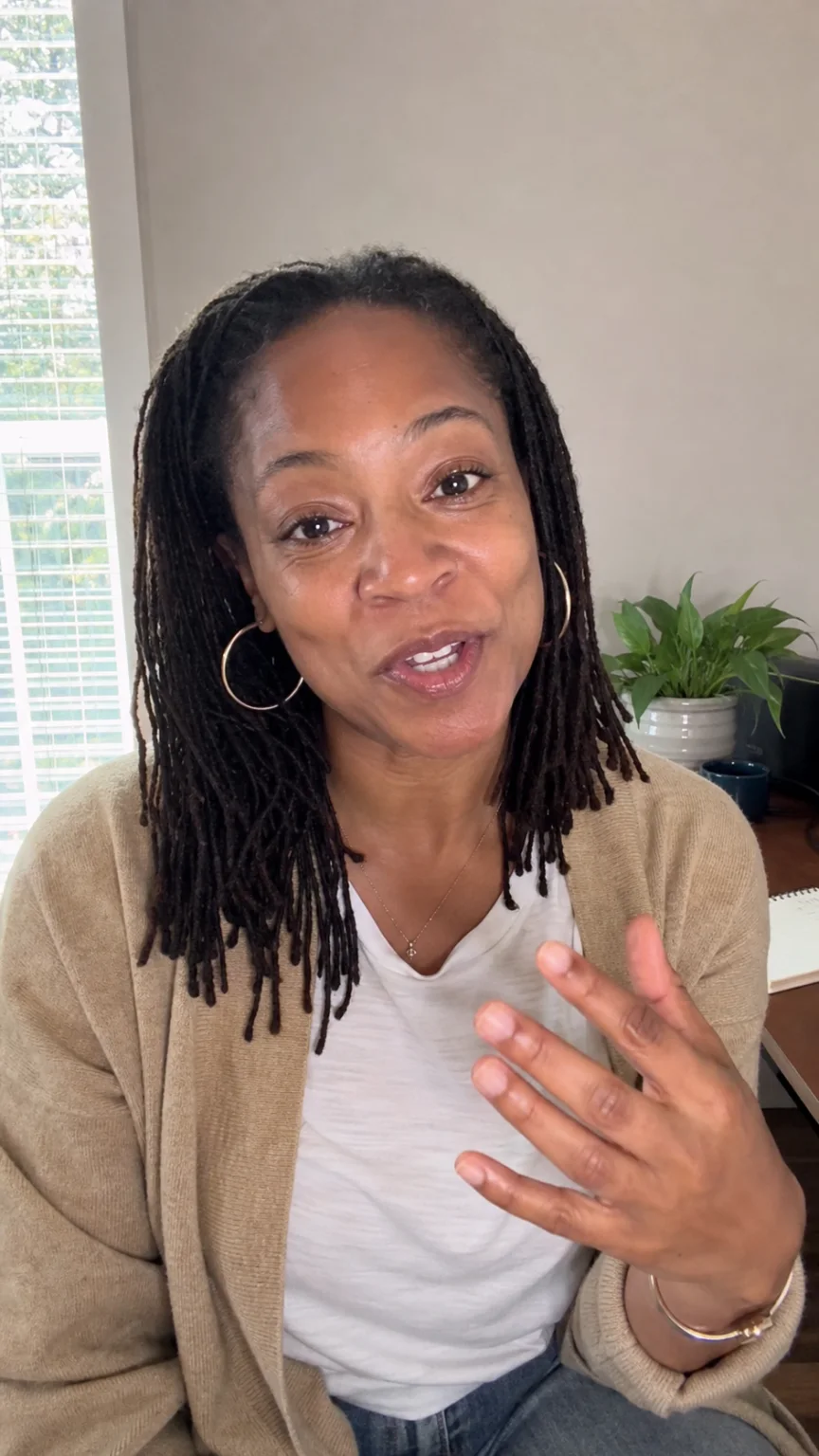
The real Livstick recorder, in the brand’s style.
Real recorder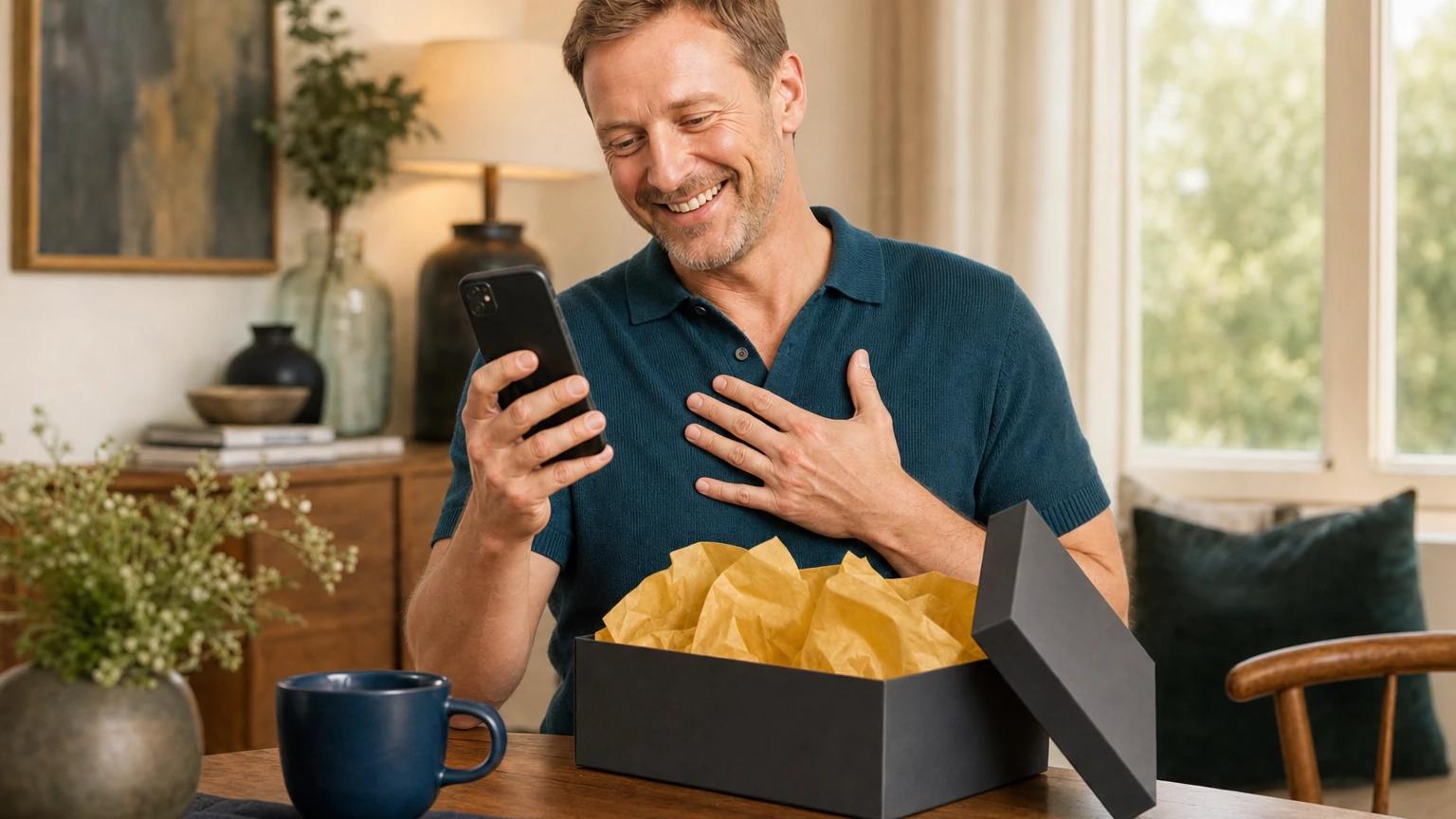
The same video, discovered with the gift.
Your messageExample people, for illustration.




















The other journey
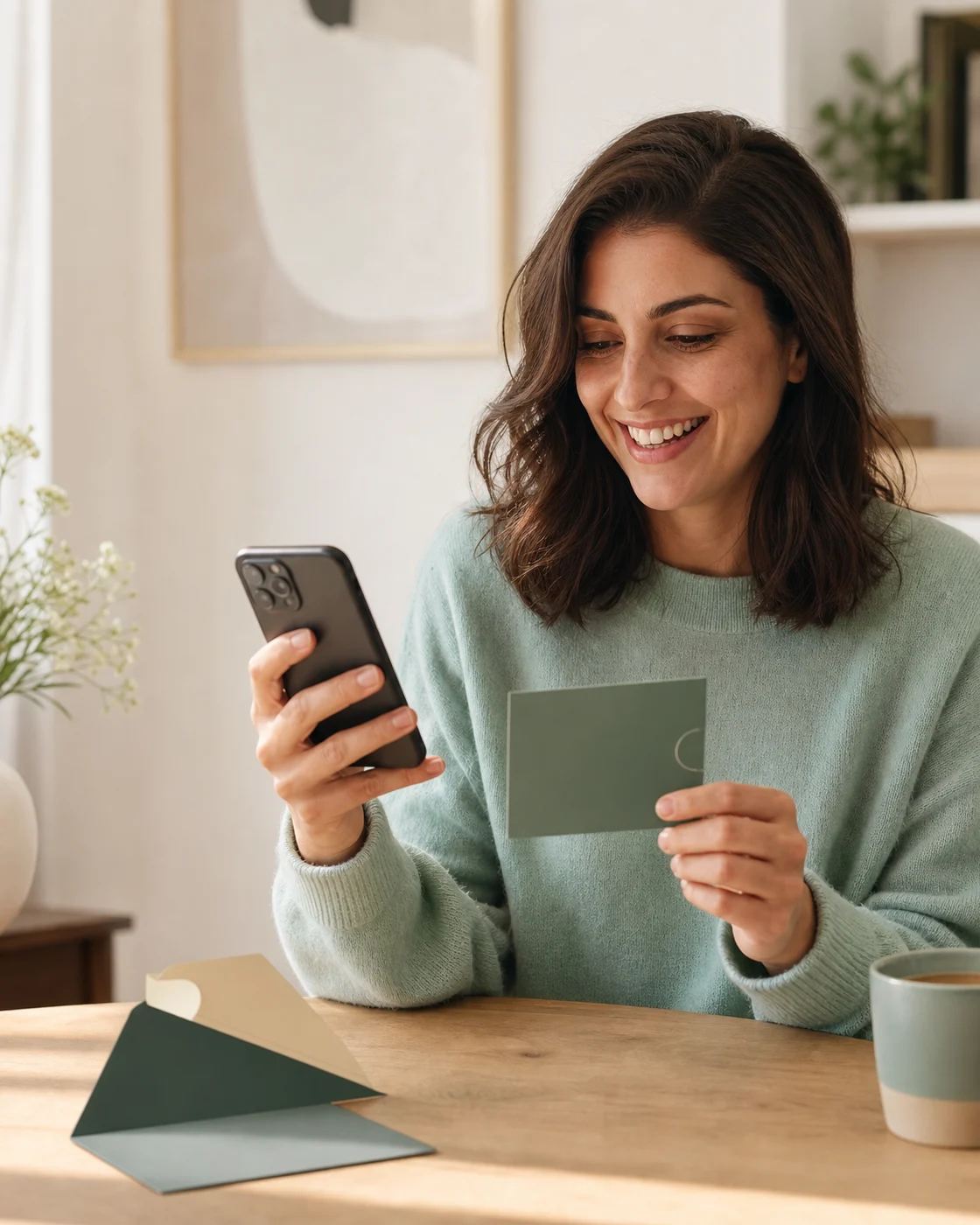
A tailored demo, around your products, your checkout and your colours.