



Skip to content

Gifting platform capabilities

Everything that makes a video gift feel like yours.

Recording, group messages, delivery, consent, integration: pick what fits the way you sell gifts.

  • Personalized Gifting & Gift Cards
  • No app
  • Brand, delivery & data under control
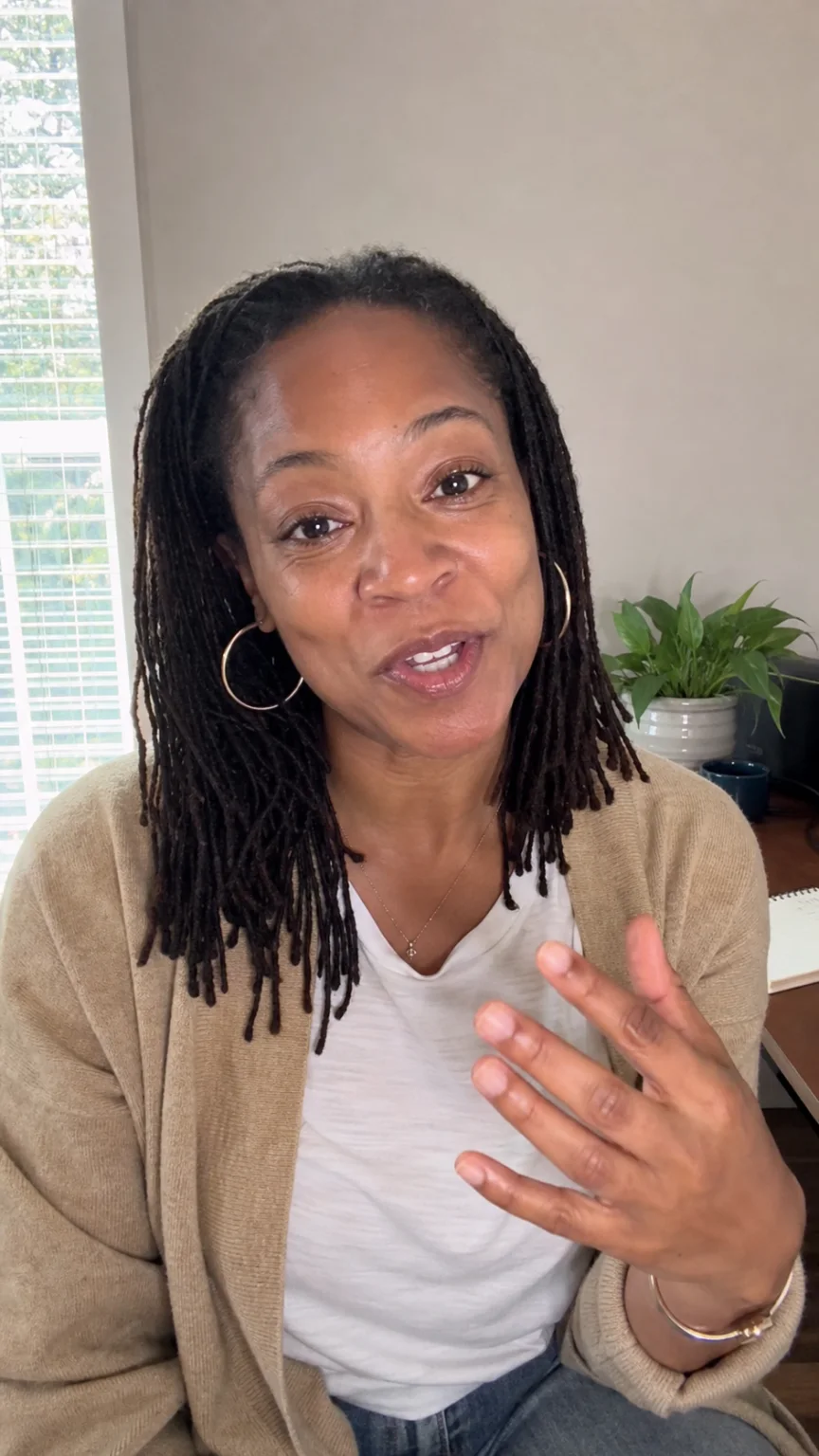
A woman records a video message at her laptop
Maya records a video message, framed by the brand’s recorder

Four features that change the moment itself.

What a group shares, what your brand signs, when it arrives, where it plugs in.

  • SignatureBrand & control

    Brand Customization

    Every screen, email and reveal — unmistakably yours.

    Léa’s message on the brand’s reveal page
    See Brand Customization

    Example brands, for illustration.

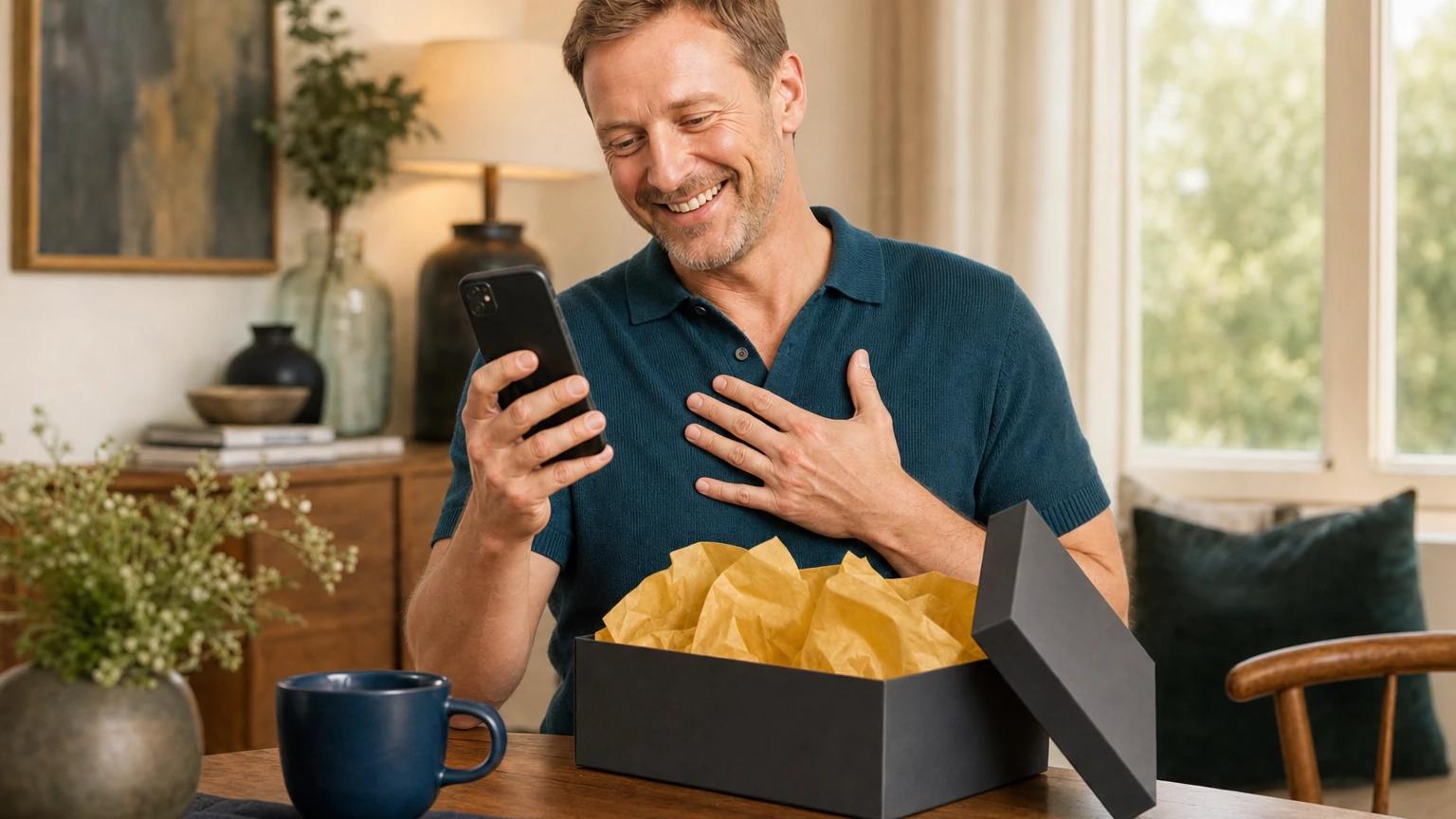
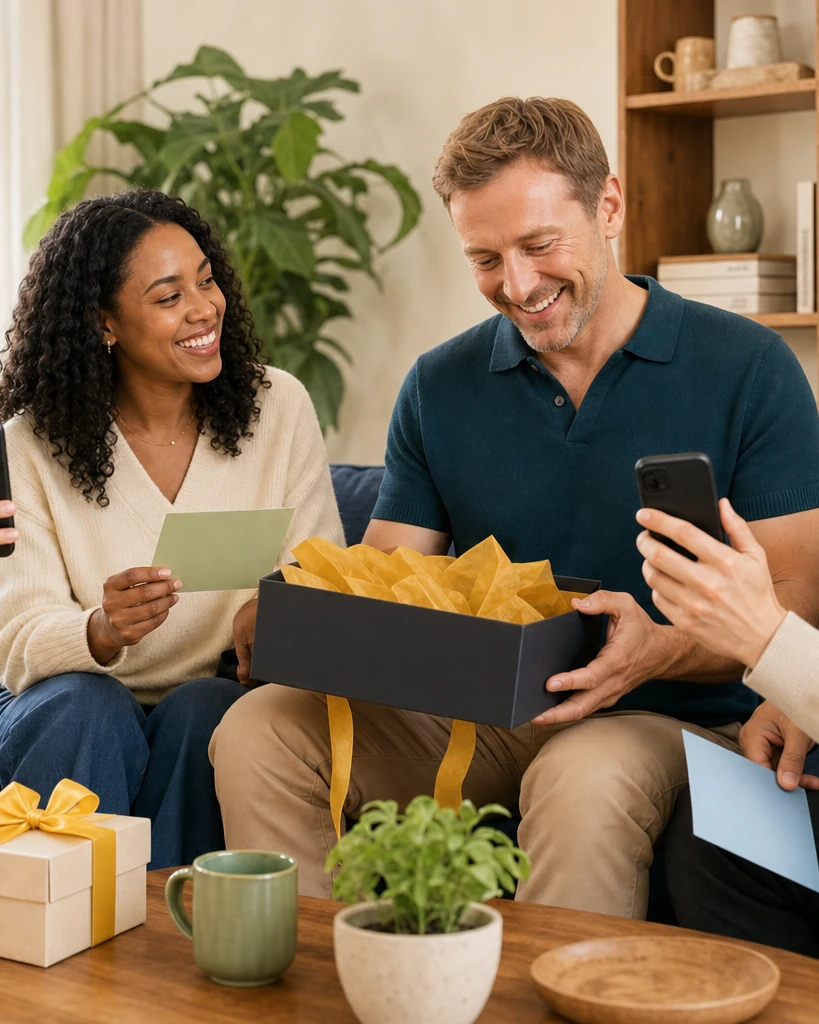
  • A man laughs at a message on his phone, an opened gift box in front of him
    SignatureExperience

    Delivery & Sharing

    At the right moment — and beyond the first play.

  • Three colleagues test a gifting integration on a laptop, a phone and a tablet
    SignatureIntegration

    Integrations

    A way in for the setup you already have.

    1. Onlinein your pages, beside your checkout Online, beside your checkout
    2. In storea QR code on the gift or card In store, a QR on the gift
    3. No websiteeverything behind one link No website, one link
Swipe the four

Find the capability behind your next decision.

20 of 20 capabilities shown

Each capability has its own page: what it changes, where it applies, its options and its limits.

In focus · Experience

Their language. Your brand, unchanged.

Multilingual experiences: each journey in the recipient’s language — right-to-left and non-Latin scripts included.

  • Automatic locale
  • RTL support
  • Localized brand content
Explore multilingual journeys

A special message for you

EN · detected

Un message rien que pour vous

FR

رسالة خاصة لك

AR · RTL

Example messages, for illustration.

Choose a journey. Add what makes it yours.

Every feature supports both offers. Start with the customer moment.

Two colleagues map a gifting journey with cards on a table

Don’t take the list’s word. Try the journey.

  1. Pick a journeygift or Gift Card, solo or group
  2. Watch the capabilities at workbrand, language, consent, delivery
  3. Map it to your stackwith our team or the integration guides

What teams check before mapping features.

Security & buying FAQ
Which features work with both Personalized Gifting and Gift Cards?

All of them. Capabilities are activated per journey, whatever the offer behind it.

Can features be activated progressively?

Yes. Start with the core journey, then add capabilities as your programme grows.

Can the experience carry several brands?

Yes. One platform can run distinct branded journeys side by side.

How do Livstick features connect to our existing stack?

Through the embeddable widget and the API, using your existing references.

Where can our technical team find the integration documentation?

In the developer portal: guides, references and integration paths.

How are consent, moderation and retention managed?

As platform capabilities, configured per journey, documented and visible to your legal team.

Tell us what your gifting journey needs. We’ll map the features around it.

No checklist needed — describe the journey, we do the mapping.